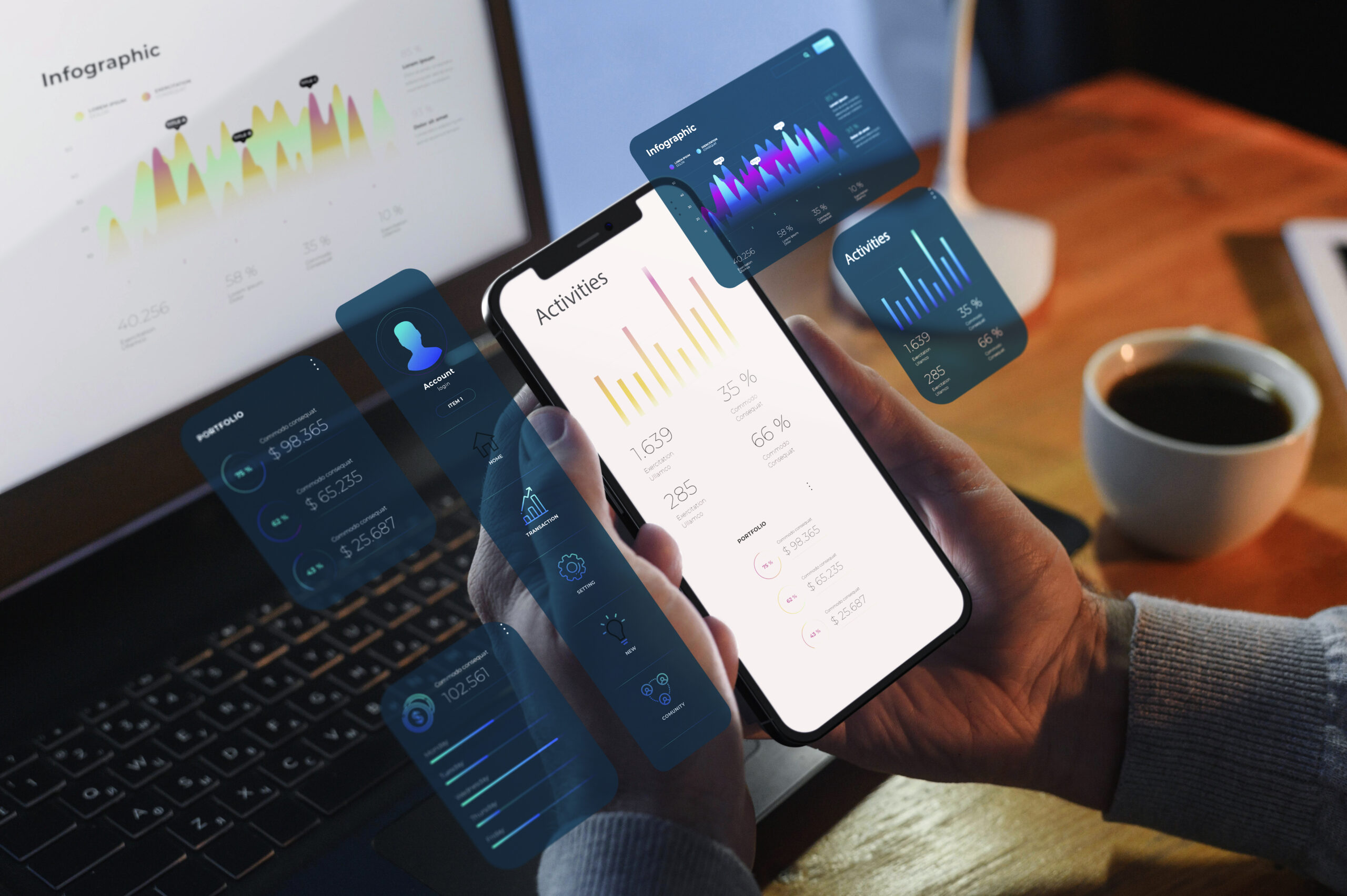
Mobile app development is the method of designing, building, testing, and maintaining software for tablets and phones. Simply said, it is the lifeblood of the programs you use daily: messaging, fitness, food delivery, banking, and ride-hailing. Every tap, swipe, and push notification is the outcome of a complex marriage of engineering, design, and strategy aimed at improving simplicity and solving consumer problems.
Apps now fit so intimately into everyday living. From our mobile devices, we track our health, order food in minutes, monitor alerts on the go, and work with colleagues. For companies, apps are absolutely essential and not a pleasure item or an elective outlet. A good mobile app can boost sales, strengthen brand loyalty, provide real-time interaction, and give tailored experiences that a website alone cannot provide.
What Does Mobile App Development Involve?
Building a mobile app is a structured journey with six core stages:
Stage 1: Planning
Clarify the problem to solve, validate the idea, define the target audience, prioritize features (a “must-have” vs “nice-to-have” list), and pick a monetization model (paid, in-app purchases, or subscriptions, ads).
Stage 2: Design
Create user flows, wireframes, and high-fidelity UI mockups. UX (user experience) ensures the app is intuitive; UI (user interface) sets the visual style and accessibility (readable text, color contrast, tap-friendly buttons).
Stage 3: Development
Build the frontend (what users see and interact with) and the backend (APIs, business logic, databases, authentication, and push notifications). Many apps also integrate third-party services like maps, payments, analytics, or chat.
Stage 4: Testing
Validate functionality (does it work?), usability (is it easy to use?), performance (is it fast and stable?), security (is data protected?), and compatibility (does it behave correctly on different devices and OS versions?).
Stage 5: Deployment
Prepare store assets (app name, description, screenshots, and privacy policy), pass app store reviews, and release to the Apple App Store and/or Google Play Store.
Stage 6: Maintenance
Fix bugs, ship updates, improve performance, add features, and keep up with OS changes (iOS/Android updates, new device sizes, and new privacy rules).

Mobile App Categories
Regarding the creation of mobile apps, there is no one-size-fits-all plan. Your aims, budget, schedule, target audience, and performance needs will determine the ideal kind. Regarding scalability, user experience, and upkeep effort, every technique has distinct benefits and trade-offs.
1. Native Programs
Built especially for iOS or Android using platform languages, Swift/Objective-C for iOS and Kotlin/Java for Android.
| Pros | Cons |
| Best response and efficiency | Two codebases (iOS + Android) mean more cost/time. |
| Complete device hardware (camera, GPS, biometrics) access | Calls for distinct skill sets |
| Look and feel consistent with the platform, smoother animations |
Excellent for performance-sensitive applications, including media, fintech, and gaming; deep hardware access; and widespread consumer applications. Native performance and integrations among Instagram, WhatsApp, and Spotify, among other instances.
2. Cross-Platform Apps
With frameworks such as Flutter, React Native, and Xamarin, a single codebase runs on Android and iOS as well. Perfect for startups and small enterprises looking to rapidly integrate with both platforms, test product-market fit, or create internal tools effectively.
| Pros | Cons |
| Quicker growth and reduced cost as opposed to fully native | Some sophisticated capabilities may still need native modules. |
| Common user interface and logic across systems | Heavier applications may need additional optimization. |
| “Near-native” performance with current tools |
3. Hybrid Apps
Native container-wrapped web technologies, HTML/CSS/JS. Excellent for content-driven applications, basic MVPs, or proof-of-concept efforts requiring fast rollout. Early iterations of Evernote and Twitter Mobile employed hybrid methods.
| Pros | Cons |
| Easy to build using popular web skill sets | Less native feel and slower animations |
| Simple code sharing and frequent updates | Restricted access to advanced hardware components |
4. Progressive Web Apps (PWAs)
Installable icons, limited offline caching, and push notifications (OS-dependent) are among the web applications that act like native apps in the browser. Great for news, portals, or content sites where speed to market, accessibility, and reach across devices are most important. Offering smooth user experiences right through a browser, PWAs are especially useful for companies looking for a mobile presence without big development expenses.
| Pros | Cons |
| Instant access through a link; no app store friction. | Hardware access and limited offline capability relative to the indigenous |
| Cheap, light, and simple to update | Some iOS constraints (rising but still visible) |

Popular Mobile App Development Platforms
What is the best mobile app development platform? The answer to this question totally depends on your goals, whether you prioritize performance, development speed, budget, team expertise, or long-term scalability. Let’s explore the most popular tools developers rely on today.
A) Native Platform Tools
The following includes a checklist of common mobile app development platforms that come under the umbrella of iOS and Android.
iOS
- Swift: Swift is an advanced and robust programming language developed by Apple. It is famous for its easy, fast, and safe version.
- Objective-C: Similarly, Objective-C is an object-oriented, general-purpose programming language for iOS before Swift. It utilizes Smalltalk-style messaging, making it a flexible and dynamic language.
- Xcode: Another native platform, Xcode, offers modern tools to develop, test, and distribute apps for the Apple platform, such as predictive code completion and generative AI.
Strengths: Top-tier performance, sleek UI/UX, strong privacy and security features, and seamless integration with Apple’s hardware ecosystem.
Considerations: Works only within the Apple ecosystem; developers must follow strict App Store policies and approval processes.
Android
- Kotlin: It is an advanced, concise, and multiplatform programming language by JetBrains. It allows you to flexibly write code and build server-side, mobile, and desktop apps.
- Java: Powered by Oracle, Java is the no.1 programming language and development platform. It is less expensive, reduces development timeframes, drives innovation, and revamps application services.
- Android Studio: It allows app builders with an integrated development environment (IDE) for Android application development.
Strengths: Wide device reach, open-source flexibility, and robust integration with Google services. Great for apps targeting global audiences.
Considerations: Device fragmentation requires thorough testing across multiple screen sizes and OS versions.
Choose native if you need top performance, deep hardware integration, and the most polished, platform-specific experience possible. It’s ideal for gaming, AR/VR, or enterprise-level apps where speed and responsiveness are non-negotiable.
B) Cross-Platform / Hybrid / Low-Code / No-Code Tools
Flutter (Google):
It utilizes a high-performance rendering engine and Dart. It is regarded as the best platform to transform the whole mobile app development process. It uses a single codebase to build, test, and deploy beautiful mobile, web, desktop, and embedded apps.
Pros: Single codebase for iOS, Android, and Web; near-native performance; beautiful user interface.
Consider: Compare the bigger app size and smaller pool of Dart developers to that of JavaScript.
React Native (Meta)
It is a reliable cross-platform mobile app development framework for building native applications, iOS, and more. Being an open-source UI software infrastructure developed by Meta paltform and, it is integrated in mobile app development for Android.
Pros: Great support for third-party libraries, quick growth, and a large community.
Consider: Think about native elements or complicated animations that may call for unique bridges.
Xamarin (NET / Microsoft MAUI)
This is not just a mere technology, but it is also a complete ecosystem available to developers who want to develop native applications. It is utilized to write native apps for Windows, Android, and iOS devices.
Pros: Near-native performance; great for businesses currently using Microsoft technologies.
Consider: Think about a smaller community than React Native and Flutter.
Ionic (Hybrid)
Built on web technologies (HTML, CSS, JS), Ionic is an open-source mobile UI toolkit for building advanced, high-quality cross-platform mobile applications and progressive web apps (PWAs) from a unified code base.
Pros: Web developer-friendly, great for rapid development.
Consider: Slightly weaker performance for graphics-intensive or animation-heavy apps.
Low-Code/No-Code Platforms
- Bubble: It is a no-code web application platform, used in low-code environments, offering the ability to scale quickly and securely without IT operations support.
- Thunkable: It is the most powerful mobile application development platform that enables anyone to develop an app without any coding experience.
- AppGyver: It is a first professional no-code platform, allowing you to create apps for all form factors, including mobile, desktop, and others.
Pros: Fastest time-to-market, minimal technical expertise required.
Consider: Limited customization, potential vendor lock-in, and scalability issues for enterprise use.
C) Pros & Cons at a Glance
| Category | Pros | Cons |
| Native | Best performance, full hardware access | Higher cost, dual codebases |
| Cross-Platform | Shared code, faster build cycles | May need native modules |
| Hybrid | Cost-effective, quick updates | Lower performance |
| Low-Code/No-Code | Quick MVPs, low entry barrier | Limited scalability |
D) Current Trends
Thanks to its capacity to offer beautiful, smooth UIs across devices, Flutter still reigns cross-platform. Because of its JavaScript basis and great third-party integrations, React Native continues to be among the leading candidates.
Low-code and no-code solutions are swiftly changing to let companies release internal apps and prototypes free of extensive engineering input. Additionally, teams are also stressing maintainability, testing automation, and CI/CD pipelines from the beginning to make sure that programs are not just quick to develop but also simple to scale and upgrade.
With developers employing generative artificial intelligence and machine learning APIs to improve personalization, anticipate user behavior, and automate testing, artificial intelligence integration is also rising. This change indicates that mobile app development will be more cooperative than ever, quicker, and smarter in the future.
You May Also Like: How Dependibot Transforms Ideas into Mobile Apps
How to Choose the Best Mobile App Development Platform
Choosing the right mobile app development platform can make or break your project’s success. The ideal platform is about matching your company’s objectives, audience needs, and technical capacity rather than just technology. Decisions should be made judiciously as follows:
1. Start with Your Business Aims
Define success exactly before you choose a tool or framework. Are you maximizing premium performance, speed to market, or user reach? When your priorities are set, you may match them to the correct technical solution.
2. Identify Market and Audience
- Are your users largely on Android, dominant worldwide, or on iOS, frequent in North America and Western Europe?
- Cross-platform targeting will enable you to swiftly access both markets if your product aims at a range of demographics.
3. Performance & Hardware
- Apps requiring real-time graphics, AR, or advanced device integrations (like camera, Bluetooth, or sensors) perform best on native platforms.
- Cross-platform tools like Flutter and React Native now handle light-to-moderate performance needs effectively, but for mission-critical apps, native still wins.
4. Set Time & Budget
- Tight deadlines or limited budgets?
Cross-platform or hybrid frameworks reduce development time by sharing code between platforms, saving up to 40% in costs. - For startups, this means faster market entry and earlier user feedback.
5. Team Ability
- Already have developers acquainted with JavaScript or Dart? Choose either React Native or Flutter.
- Naturally suited for your company running in a .NET environment, Xamarin or MAUI guarantees flawless integration with your current systems.
6: Scalability and Maintenance
Consider beyond launch: how simple will your app be to keep, scale, and update?
Pick frameworks with strong documentation, frequent revisions, and vibrant communities. This guarantees long-run stability and improved developer support.
Quick Matching Guide
| Business Type | Recommended Platform |
| Startups | Flutter or React Native → Fast delivery + dual-platform reach |
| Enterprises | Native (for premium performance) / .NET MAUI (for .NET ecosystems) |
| Small Businesses / Internal Tools | Low-Code or Hybrid → Quick setup, minimal maintenance |
Future-Proofing Tips
- Favor popular, well-supported frameworks to avoid obsolescence.
- Invest in automated testing, CI/CD pipelines, and monitoring tools early.
- Keep dependencies updated and avoid deep vendor lock-in.
- Design your app for analytics, performance tracking, and observability from the very start; data-driven improvements ensure sustained growth.
Pro Tip: Think of your platform choice as the foundation of your app’s future, not just its launch. A well-chosen tech stack can scale effortlessly as your audience grows and technology evolves.
Common Challenges Faced in Mobile App Development
- Many screen sizes and OS versions need extensive testing matrices; therefore, devices are split.
- Performance can be lagged by unoptimized photographs, bad network calls, or intensive animations.
- Secure PII, encrypt sensitive information, and abide by platform privacy policies.
- Reviews of stores might postpone releases depending on Apple/Google policies on privacy labels, permissions, and payment requirements.
- Scope expands, dependencies shift, and permissions need time; budget and schedule creep.

Best Practices for Mobile App Development
- Begin with an MVP: Launch a core feature set, then adapt to actual input.
- Early and frequent testing of the unit, integration, UI, accessibility, and performance on real devices.
- Speed and UX optimization: Fast load times, fluid scrolling, and easy navigation come first.
- Cross-platform smartly: Excellent for a balanced speed and quality; go native for performance-critical functions.
- Analytics and iteration: Ship regular, modest updates; monitor crashes, funnels, and retention.
- Plan for OS updates, library improvements, and continuing security fixes.
Pro Tip: Be rigorous on range. An excellent, focused app surpasses a bulky one attempting everything.
Conclusion
Mobile app development framework is both an art and a science, a synthesis of tactics, design, engineering, and ongoing improvement. Writing code is not the only thing; it’s about creating digital experiences that seamlessly link people and companies. Should you select cross-platform frameworks for faster distribution and greater reach, native development for peak performance, hybrid or PWA solutions for easier use cases, or still low-code systems for fast MVPs, alignment is essential. Your choice ought to mirror your long-term vision, budget, user expectations, and company objectives.
Dependibot can lead you from idea to action, including research, platform choice, development, testing, launch, and post-launch optimization, if you’re investigating the best way ahead. We design apps that not only help companies meet their objectives but also provide daily experiences customers love, trust, and return to.
Contact us today to turn your app idea into a powerful digital reality.
Key FAQs on Mobile App Development
Q1. What is Mobile App Development?
Software running on smartphones and tablets is planned, created, constructed, tested, deployed, and maintained in an end-to–end process.
Q2. Which is the Top Platform for Creating an Application?
There is no worldwide “best.” For highest performance, select native; cross-platform for cost and speed; hybrid/PWA for more basic apps; and low-code for quick MVPs.
Q3. How Long Does It Take to Build an App?
Six to twelve weeks can be taken up for a focused MVP. Feature-rich consumer apps often take 3–6+ months, depending on scope, integrations, and team size.
Q4. How Much does it Set Back?
Costs change according to type (native versus cross-platform), scope, and place. Budgets cover anything from a little MVP to a full-scale corporate build. Start with scope, then project.
Q5. Do I Need Distinct Apps for Android and iOS?
Not always. Cross-platform frameworks (Flutter/React Native) allow one codebase to reach both, something that is sometimes perfect for startups and SMBs.
Q6. After Launch, How Do I Retain Users?
Make use of analytics to inform your roadmap, improve performance, obtain comments, repeat on main journeys, and add value progressively.
Q7. How Can I Guarantee My Software Stays Safe?
Follow standards for data encryption, safe APIs, and frequent updates. Keep user information secure and foster long-term trust by testing for flaws, implementing robust authentication, and following privacy standards such as GDPR.
Q8. Why UI/UX Matters in Mobile App Development?
Users uninstall apps that confuse or slow them down. Clean navigation, predictable gestures, and accessible design reduce support tickets and boost ratings.
Q9. How Frontend & Backend Work Together
The frontend handles screens and interactions; the backend handles data, security, and business rules, connected via APIs.
APIs & integrations: payments (Stripe, Apple Pay, Google Pay), maps (Google Maps), social login (Sign in with Apple, Google), analytics (Firebase/GA4), and notifications (FCM/APNs) power key features without reinventing the wheel.